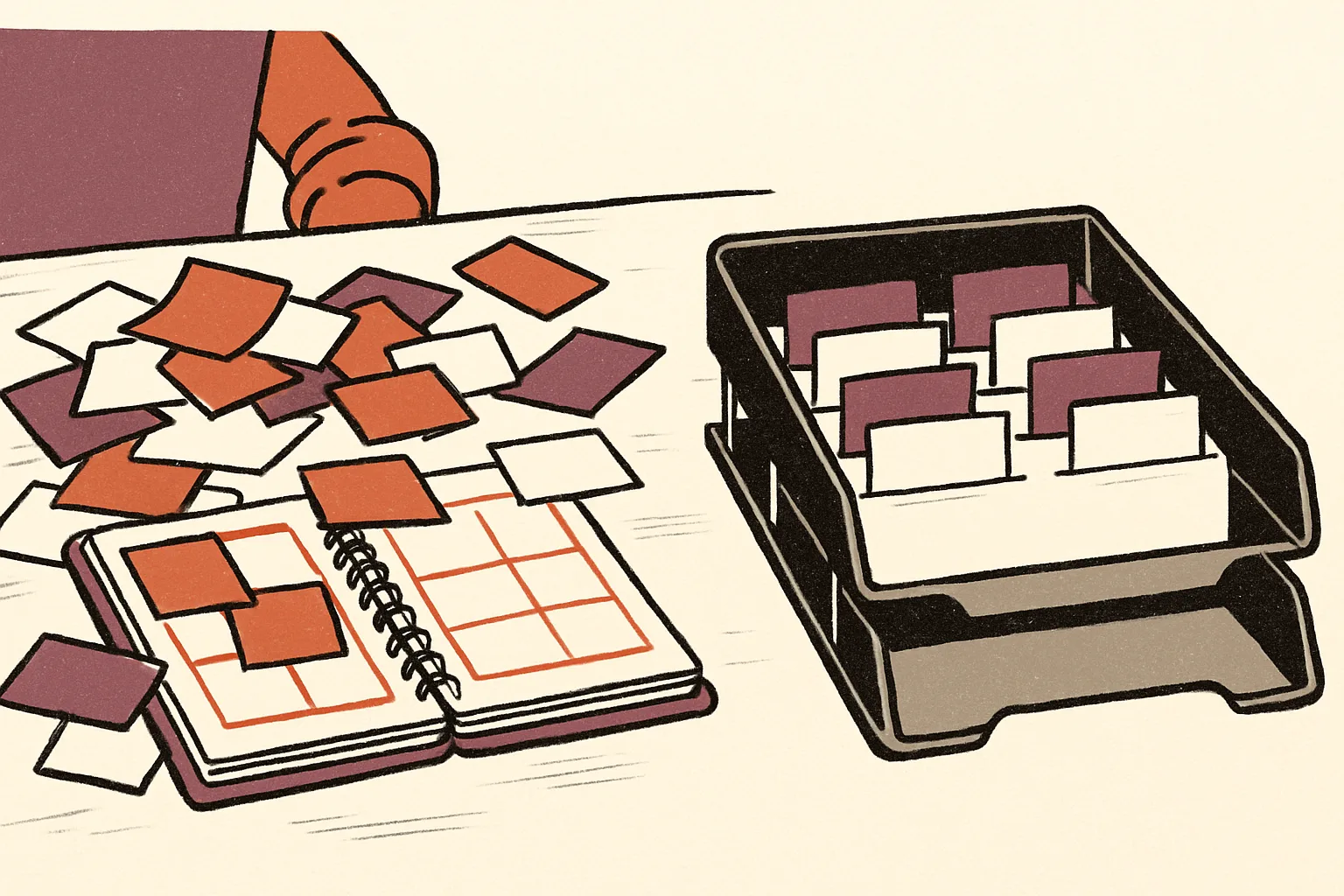
How to choose a good CRM for a small business your team will use
How to choose a good CRM for a small business: what to look for, how to test it on real deals, and the mistakes that leave it unused after a month.
Marketing Systems · 23 October 2026 · 6 min read
Key takeaways
- Judge a CRM by whether it makes your repeated tasks (log an enquiry, send a quote, chase it) quicker than your spreadsheet, not by its feature list.
- Work out the full first-year cost, including setup, training, integrations and any minimum contract, before comparing per-user prices.
- Test with a fortnight of live enquiries and a few hundred real imported contacts, and let your least technical team member try it unaided.
- Keep the setup small and make the CRM the only place leads are recorded, because a system nobody updates is worse than a spreadsheet.
If your customer details live in a spreadsheet, a shared inbox and the owner’s memory, you already have a CRM. It just isn’t a good one. Finding a good CRM for a small business is less about features than about whether your team will actually use it every day. This article covers what the choice is worth, what to look for, how to test a system before you pay, and where these projects usually fail.
What a CRM is worth to a business your size
Customer relationship management software is now common, but far from universal. The government’s 2025 Longitudinal Small Business Survey found that 55% of medium-sized businesses and 44% of small UK businesses used a CRM, against 27% of micro businesses. In the 2024 survey the figures were 42% for small businesses and 26% for micro businesses. Adoption is edging up, yet most micro businesses and well over half of small ones still run without one.
There is a commercial case for joining the minority. The Enterprise Research Centre’s Micro-business Britain study reports that use of CRM systems by UK micro-businesses increases sales per employee by 18.4% over three years, after controlling for sector and location.
Do not expect that from the software alone. The gains you can realistically count on are dull ones: quotes chased on time, no lead forgotten when someone is on holiday, and a new hire who can see the history of every customer on day one. If you lose work because follow-up slips, a CRM addresses that directly. If your problem is a weak product or the wrong prices, it will not.
What makes a good CRM for a small business
Most buying guides start with feature lists. Start instead with the three or four things you do repeatedly: log an enquiry, send a quote, chase it, record the outcome. A good CRM makes those steps quicker than your current method. If it adds clicks, people will drift back to the spreadsheet within weeks.
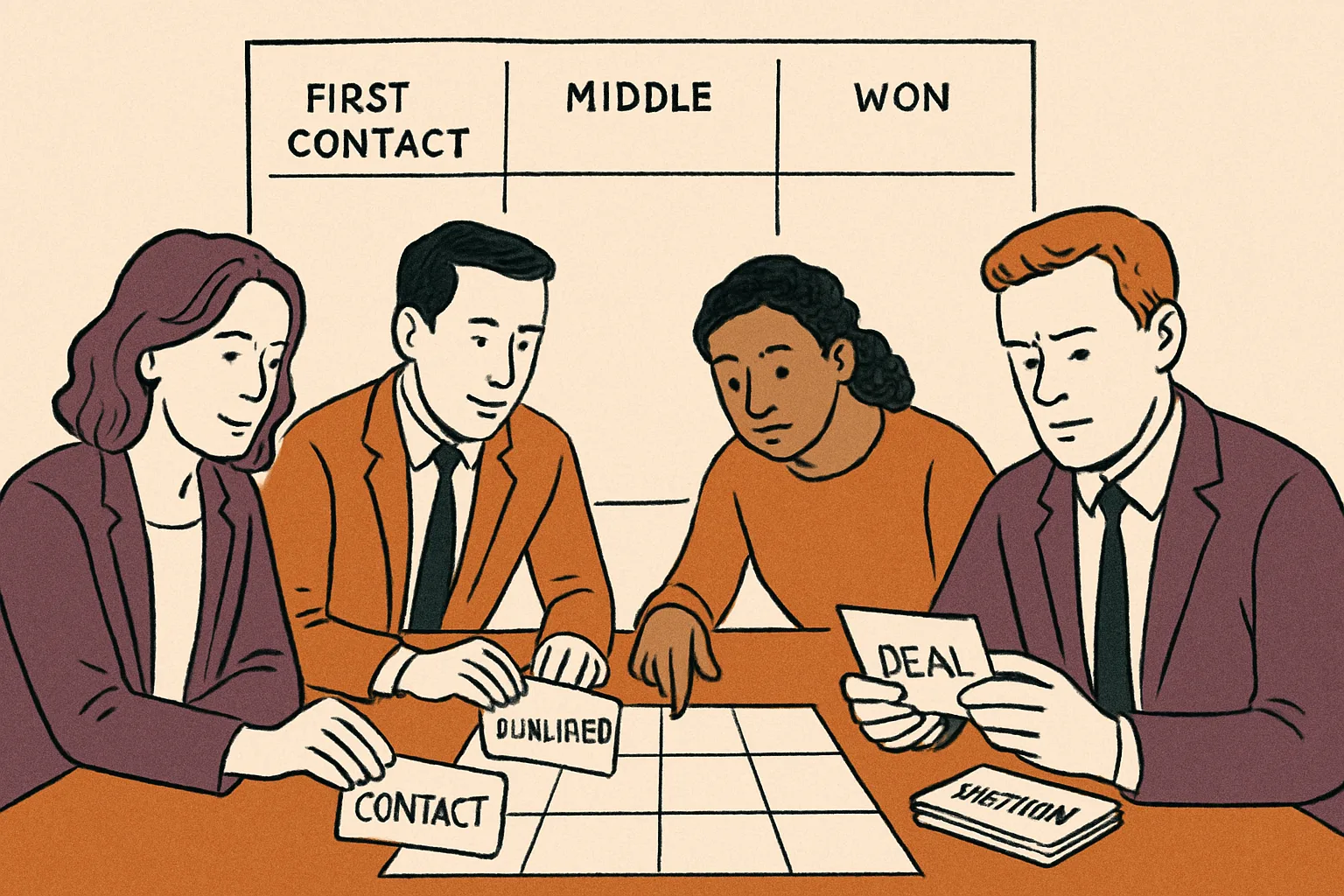
Judge any system against these questions.
- Can you set it up without a specialist? A system that needs a consultant to configure it is a hidden cost. Ask what setup help is included and what is charged extra.
- Does it connect to the tools you already use? If you raise invoices in accounting software, customer records should not have to be typed in twice.
- Can you get reports you will read? A pipeline view showing what is likely to close this month is worth more than dozens of charts.
- Can you take your data with you? Check that you can export everything in a standard format. Otherwise switching later means starting from scratch.
- What is the full first-year cost? Per-user pricing is only part of it. Add setup, training, extra integrations and any minimum contract length.
A real example shows how these trade-offs look. TechRadar Pro’s April 2026 review of Workbooks CRM describes an integrated cloud system covering sales, marketing, support and order management. It highlights no-code connectors to tools such as Xero, Sage Intacct and Power BI, plus strong implementation support. The same review says the reporting wizard is somewhat less user-friendly. That is the typical pattern: strength in connecting to your accounts and getting you started, a weaker spot in reporting. Decide which of those matters most to you before you look at any product.
How to test a CRM before you commit
A demo run by a salesperson shows the product at its best, using tidy sample data. Your business is messier. Insist on a free trial or a short paid pilot, and test it on live work.
Pick one person to own the trial. Give them a fortnight and ask them to run every new enquiry through the system, from first contact to quote to result. Import a few hundred real contacts from your spreadsheet. Importing is where many systems show their flaws: duplicate records, scrambled fields, notes that vanish.
Then bring in the people who will use it daily, particularly the least technical person on the team. Ask them to log a call and find a customer’s history without any help. If they struggle, that is a clear verdict on the product, however good the feature list looks.
Test the connections too. If you have been told it works with your accounting software, create a customer, raise an invoice and check that the right details appear on both sides. Ask the vendor what happens when you cancel: how long you keep access, and how you get your data out.
Finally, ask for two or three references from businesses of your size and in your sector. A firm with five staff and a firm with fifty have different needs, and a system built for the second can swamp the first with options it will never use.
Why small business CRM projects stall
The usual failure is not a bad product. It is a good product that nobody keeps up to date. Once the data goes stale, people stop trusting it, and then they stop entering anything at all.
Three habits prevent that. First, keep the setup small. Start with the fields you genuinely need, such as name, contact details, stage and next action, and add more only when someone asks. Every extra mandatory field is a reason to skip the entry.
Second, make it the only source of truth. If the owner still keeps a private list of hot leads, staff will do the same. Agree a simple rule: if it isn’t in the CRM, it doesn’t exist. Run your weekly sales meeting from the CRM screen rather than from memory.
Third, resist buying for the company you hope to become. A system sized for a hundred staff, with complex automation and layered permissions, is slower to learn and dearer to run. Choose one that fits the business you have now, provided you can export your data and move later. Moving a small customer list is a manageable job. Moving after years of undisciplined data entry is not.
If you decide to proceed, set a review date about three months out. Check whether quotes are going out faster, whether follow-ups are being missed less often and whether the team opens the system without being told to. If the answer is no, find out why before you pay for another year.
Common questions
Is a CRM worth it for a micro business?
It can be, if you lose work through slow or forgotten follow-up. The Enterprise Research Centre reports that CRM use by UK micro-businesses increases sales per employee by 18.4% over three years. Only 27% of micro businesses used one in 2025, so there is room to gain, but only if you actually keep it updated.
Can I just use a spreadsheet instead of a CRM?
For a handful of customers, yes. A spreadsheet starts to fail when several people need to update it, when you need reminders to chase quotes, or when you want to see your pipeline at a glance. If you are missing follow-ups or duplicating records, that is the point to move to a CRM.
Does a CRM need to connect to my accounting software?
It is not essential, but it saves time and errors. If customer details are typed into both systems, they will drift apart. Check that your shortlisted CRM links to your accounting package, then test it by creating a customer and raising an invoice before you commit.
Do this next
- Write down the four or five steps you repeat most often with leads and customers, and use them as your test script.
- Shortlist two or three CRMs and ask each for the full first-year cost, including setup, training and integrations.
- Export a few hundred real contacts from your current spreadsheet and import them into each trial.
- Check that each shortlisted system connects to your accounting software and lets you export all your data.
- Name one person to own the trial and book a review date three months after launch.
Sources
- GOV.UK: Longitudinal Small Business Survey 2025, SME employers
- GOV.UK: Longitudinal Small Business Survey 2024, SME employers
- Enterprise Research Centre: Micro-business Britain
- TechRadar Pro: Workbooks CRM review
Related reading
How Luminary Solutions approaches this
At Luminary Solutions, we build marketing systems that connect lead capture, CRM and follow-up, so enquiries turn into revenue without manual chasing. If your pipeline leaks, let’s talk.
Luminary Media explores AI, systems and strategy shaping modern businesses. Written for founders, operators and decision-makers.