How to choose the best free CRM for a small business
How to pick the best free CRM for your small business: what a free plan covers, what to check before you sign up, and how to test it in two weeks.
Marketing Systems · 9 October 2026 · 6 min read
Key takeaways
- A free CRM plan can be permanent or a disguised trial, so check which you are getting before you move any customer data.
- Write the one job you need the CRM to do, then test two shortlisted tools against it rather than comparing feature lists.
- Check that you can export your data and know the price of the first paid tier before you commit.
- Run a two-week trial with your 20 most active customers and one named owner; if staff keep side spreadsheets, the tool has not worked.
Your customer details sit in a spreadsheet, a few inboxes and someone’s phone. A quote goes out, nobody chases it, and the work goes to a competitor. You know you need something better, but you do not want another monthly subscription. Choosing the best free CRM for a small business comes down to one question: which tool will your team still be using in three months?
If you have nothing in place, you are in good company. The government’s 2024 Small Business Survey found that 42% of small businesses (1–49 employees) used customer relationship management (CRM) software, compared with 54% of medium-sized businesses and 26% of micro-businesses. The OECD’s 2026 report on SME technology adoption in the United Kingdom says uptake remains modest, particularly among smaller SMEs. The smaller the firm, the less likely it is to have a CRM.
Why a spreadsheet and an inbox stop being enough
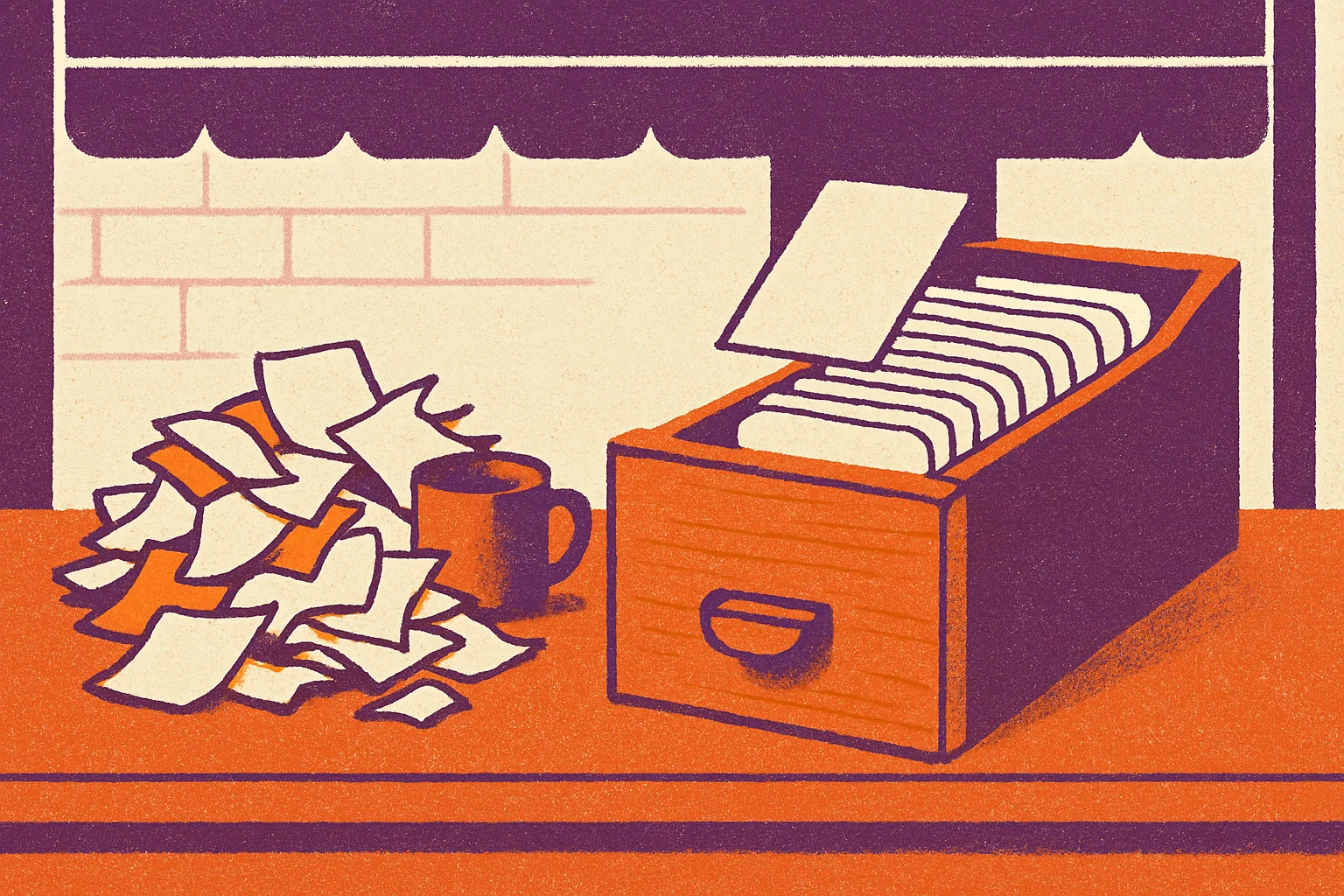
A spreadsheet works while one person holds every relationship in their head. It fails the day that person is ill, on holiday or hands in their notice. At that point the history of every conversation leaves with them.
Government analysis in Understanding technology adoption among UK SMEs found that three years after adopting digital tools, sales per employee increased, with CRM systems specifically boosting growth by 18%. A free tool will not deliver that on its own. It depends on whether people actually use it. But it is a good reason to take customer tracking seriously.
You are probably ready for a CRM if several of these sound familiar:
- You cannot say when a customer was last contacted without asking around.
- Quotes go out and nobody records when to chase them.
- Only one person knows the history of your biggest accounts.
- New starters spend their first weeks asking colleagues who is who.
If two or more apply, a CRM will repay the time it takes to set up, even if the software costs nothing.
What a free CRM plan gives you, and what it costs you
Free does not mean the same thing from one vendor to the next. Some plans are trials that expire. Others are permanent but cap users, contacts or features. The first thing to establish is which kind you are looking at.
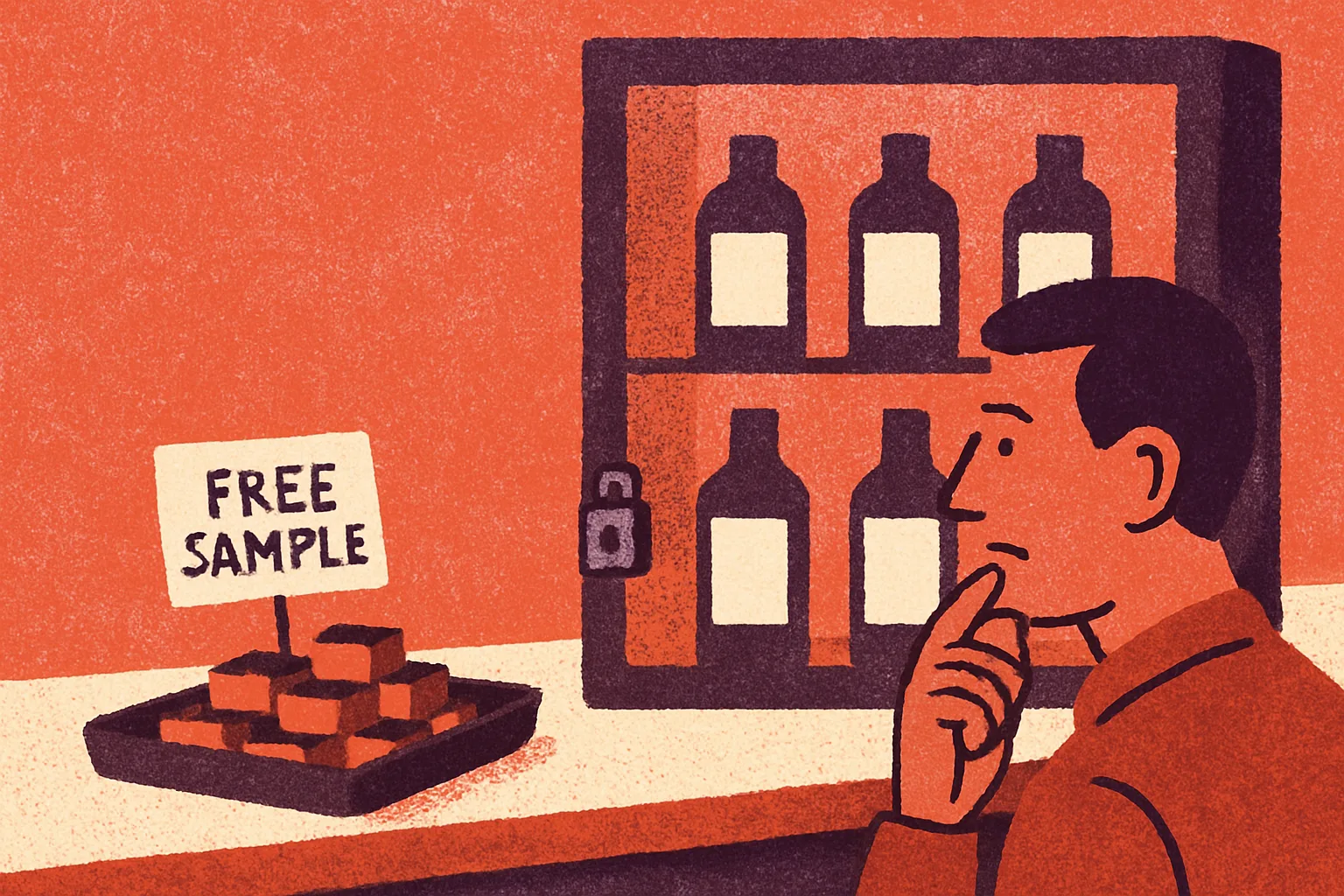
Bitrix24 is a useful example. TechRadar Pro’s June 2026 review describes its free CRM plan as having unlimited users and no time restrictions. It also includes integrated project management, time tracking, document handling and website building tools. For a business with a growing team, unlimited users removes the awkward decision about who gets a seat.
The trade-off is breadth. A CRM that also manages projects, tracks time and builds websites gives you more to learn and more to ignore. If your real need is simply to log enquiries and remember to follow them up, a tool with a dozen extra modules can put people off before they start. If you also need to organise projects and store documents, having it all in one place saves you paying for several separate tools.
Remember too that free plans exist because vendors hope you will upgrade. That is fair enough, and it is not a reason to avoid them. It does mean you should know what the next tier costs and which limits would push you towards it before you move your customer data in. Moving a CRM later is possible, but it takes a few days of someone’s time and tends to upset the people who had just got used to the old one.
How to choose the best free CRM for your business
Do not start with a comparison chart. Start with the job you need the tool to do, then test candidates against it. Six questions will filter most of the field.
- What is the job? Write it in one sentence, such as ‘record every enquiry, schedule the next follow-up and show me what is overdue’. Any feature that does not serve that sentence is a bonus, not a reason to choose.
- Who needs access? Count the people who deal with customers, including part-timers and anyone who covers for others. A plan that limits users can become a problem the month you hire.
- Can you get your data out? Check that you can export contacts and notes in a standard format such as CSV. If you cannot, the free plan has made you a captive customer.
- Where is customer data held, and on what terms? You remain responsible for personal data under UK data protection law. Read the vendor’s data processing terms and check where the data is stored before you upload anything.
- Does it work with what you already use? Look at your email, calendar and accounting software. A CRM that does not connect to them means retyping, and retyping is what kills adoption.
- What happens at the limit? Find the price of the first paid tier and the specific limit that triggers it. You do not need to pay, but you should not be surprised.
A shortlist of two is enough. A third option rarely changes the answer and doubles the testing.
How to run a two-week trial before you commit
A free CRM costs you no licence fee, but it does cost time and attention. A short, structured trial stops that time being wasted on the wrong tool.
Pick one person to own the trial. Give them a realistic slice of your business: your 20 most active customers and leads, imported from the spreadsheet. Do not import everything. Messy data is the quickest way to make a new system feel like a chore.
Set two simple rules for the fortnight. Every new enquiry goes into the CRM on the day it arrives, and every conversation ends with a dated next step. At the end, count how many follow-ups would have been missed under the old way of working and how many the CRM caught. Ask the team one question: would you go back to the spreadsheet? If the answer is yes, either the tool is too complicated or it does not fit how you sell, and you should try your second option.
If the trial works, decide in advance what will make you revisit the choice. Hitting a user or feature limit is one trigger. Staff keeping side spreadsheets is another, and a more serious one, because it means the CRM no longer holds the full picture. When a limit does arrive, price the upgrade against the value of one recovered deal. If the paid tier costs less than a single job you would otherwise have lost, it is cheap. If it costs more than the CRM is likely to recover in a year, stay on the free plan and live with its limits.
The best free CRM is the one that fits the job you wrote down, lets you take your data with you and gets used every day. A plain tool that your team opens every morning beats a feature-rich one that sits untouched.
Common questions
Is a free CRM good enough for a small business?
Yes, if your needs are simple. Logging enquiries, recording conversations and scheduling follow-ups are all things a free plan can usually do. Problems arise when you hit limits on users, contacts or features. Check those limits and the price of the first paid tier before you commit, so an upgrade never catches you out.
What is the catch with free CRM software?
The catch is usually limits and the upgrade path. Vendors offer free plans hoping you will move to a paid tier as you grow. Some cap users, contacts or features, and some are only time-limited trials. Always check whether the plan is permanent, and whether you can export your data if you leave.
Can I use a free CRM with a team?
Yes, but user limits vary between vendors, so check before you sign up. Bitrix24’s free plan is described by TechRadar Pro as offering unlimited users. Whatever you choose, give every customer-facing person access, including part-timers, or your records will have gaps.
Do this next
- Write one sentence describing the job you need a CRM to do.
- List everyone who deals with customers and would need access.
- Shortlist two free CRM plans and check each one’s data export and first paid tier price.
- Export your 20 most active customers and leads from your spreadsheet for the trial.
- Name one person to own the two-week trial and book a review meeting at the end.
Sources
- GOV.UK: Longitudinal Small Business Survey 2024, SME employers
- GOV.UK: Understanding technology adoption among UK SMEs
- OECD: SME Technology Adoption in the United Kingdom
- TechRadar Pro: Bitrix24 CRM review
Related reading
How Luminary Solutions approaches this
At Luminary Solutions, we build marketing systems that connect lead capture, CRM and follow-up, so enquiries turn into revenue without manual chasing. If your pipeline leaks, let’s talk.
Luminary Media explores AI, systems and strategy shaping modern businesses. Written for founders, operators and decision-makers.