How to choose the best AI platform for a small business
There is no single best AI platform for a small business. Here is how to pick one by job, fit with your software and cost, and test it in two weeks.
AI & Automation · 11 October 2026 · 7 min read
Key takeaways
- Choose an AI platform for one named task, such as drafting quotes or summarising correspondence, not for its feature list.
- Only 31% of AI-using small firms have integrated AI into their existing systems, so check how a tool connects to your email, accounts and files before you buy.
- Unclear use cases, cost and lack of skills are the barriers small firms cite most, so a two-week trial with a measurable target is worth more than more research.
- Start with a general-purpose assistant and move to a specialist tool only when a task is daily, high-volume and needs heavy editing.
Ask what the best AI platform for a small business is and every supplier will give you a different answer, usually their own product. The more useful answer is that no single platform wins. The right one does a specific job in your business, connects to the software you already use and costs less than the time it saves. You can establish that in a fortnight of testing, without a month of research.
Start with the job, not the platform
Most small firms use AI for the same few things. The government’s UK Business Data Survey 2026 found that, among businesses handling digitised data, the most common uses in 2025–26 were researching information (28%) and summarising or drafting correspondence (21%). Larger businesses were more likely to use AI for coding (21%), customer service chatbots (21%) and data analysis or modelling (32%).
The ONS analysis of AI use in UK businesses points the same way. Text generation with large language models was the most widely used AI technology by mid-2026, at about 18% of businesses. Visual content creation followed at 16%, and data processing with machine learning at 12%.
The ONS data also shows that using AI is not the same as getting value from it. Around 28% of businesses with 0 to 9 employees reported using at least one AI technology as of June 2026, but only 17% of very small businesses reported using AI extensively. Plenty of owners have tried a tool. Few have built it into how work actually gets done.
So begin by naming one task. Pick the one that eats the most hours each week and has a clear, checkable output. A small recruitment firm might choose rewriting candidate summaries. A building contractor might choose turning site notes into quotes. A shop owner might choose drafting product descriptions.
Once you have the task, the shortlist shrinks. If it is drafting and summarising, a general-purpose text assistant will probably do the job. If it is a chatbot answering customers or modelling sales data, you are shopping for something narrower, and the comparison is different. Settle this before you open a single pricing page, or you will end up comparing feature lists that have nothing to do with your business.
Why integration matters more than features
Features are what suppliers sell. Fit is what decides whether your staff keep using the tool after the first fortnight. The same government survey found that among AI-using businesses, only 31% of small firms had integrated AI tools into their existing business systems, compared with 57% of large businesses.
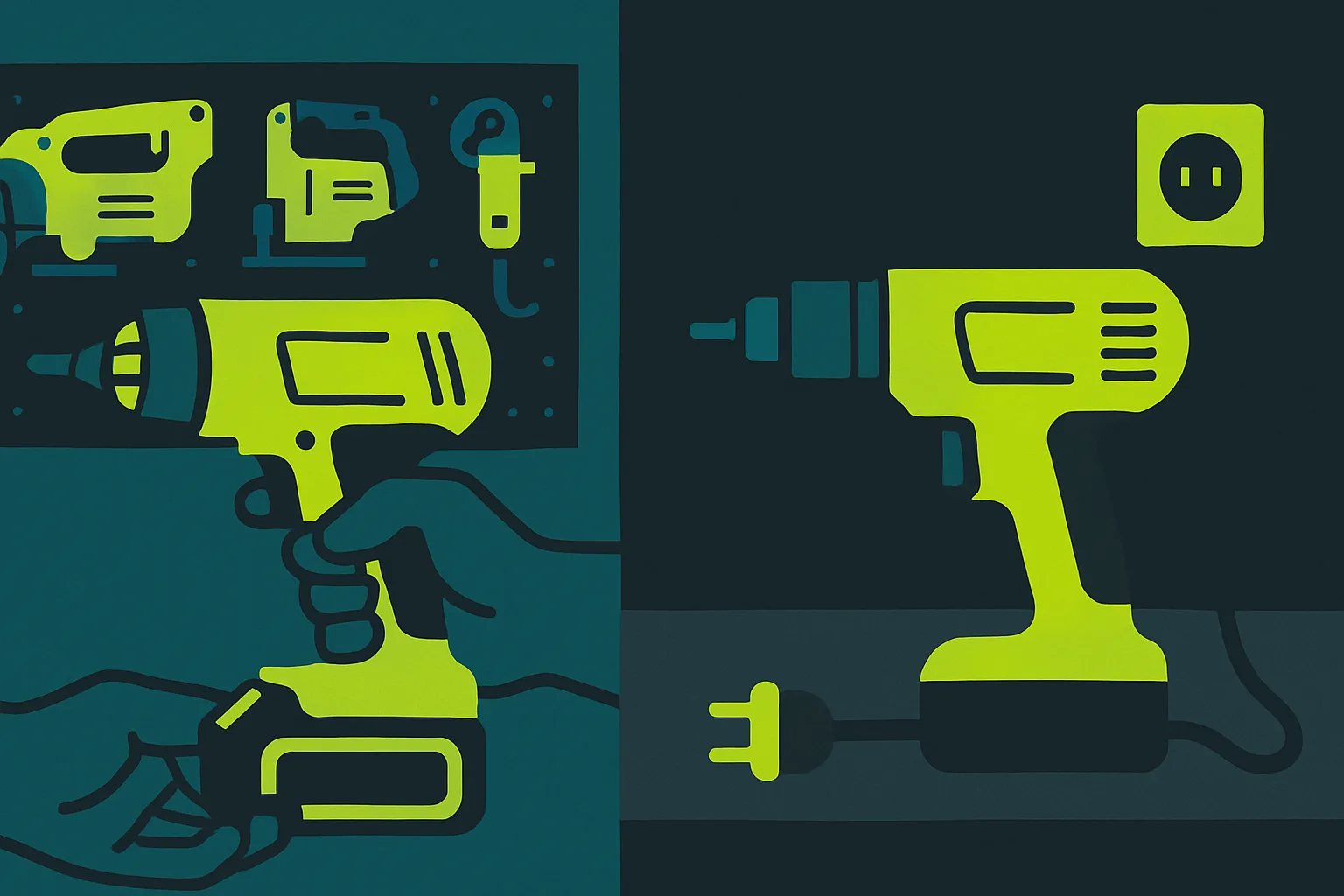
That gap has a practical cost. If the AI lives in a separate browser tab, someone has to copy text out of your email or accounting package, paste it in, and carry the result back. The first few times it feels quick. By week three people stop bothering, and the subscription becomes shelfware.
Before you commit, check four things:
- Does it work inside the email, calendar, document and file-storage tools your team uses every day?
- Does it connect to your accounting package or customer database, if your task depends on them?
- Can several people use it under one account, with you controlling who has access?
- Can you export your work and cancel without a penalty?
If you already pay for an office or email suite that includes an AI assistant, price that option first. Switching costs are lowest, and your data stays under a contract you have already read. The trade-off is that a bundled assistant may be less capable at your particular task than a specialist product, and it ties you more tightly to one supplier.
Data handling belongs in this check too. Staff will paste in customer names, pricing and contract terms unless you tell them not to. Ask each supplier, in writing, whether your inputs are used to train their models, where the data is stored and whether you can delete it. If you handle personal data, settle those answers before anyone uses the tool, not after. Then give staff a one-page rule on what may and may not go in.
How to run a trial that settles the choice
TechRadar’s report on the AI confidence gap among UK small businesses says the barriers most commonly cited by SMEs are unclear use cases, cost and a lack of skills, even though many tools are low-cost or free. In other words, owners are often not short of tools. They are short of a clear job for the tool and someone who knows how to use it.
A short, structured trial deals with both problems. Pick two or three candidates and give them the same task. Use ten real examples from your own work, not the supplier’s demo. Time how long the task takes you now, then how long it takes with each tool, including the time spent checking and correcting the output. Ask the person who normally does the work to judge the results. They will spot a weak answer faster than you will.
Set the bar before you start, and make it a number. Something like an hour a week saved per user, or quotes going out a day sooner, is easy to check. Without a number, the trial turns into a vote on which tool felt cleverest.
Expect mistakes. AI tools write fluent text that is sometimes wrong, so every piece of output that leaves the building needs a human read. Build that checking time into your sums, because it is part of the real cost.
On price, work out the monthly fee multiplied by the number of people who will genuinely use the tool, then add the hour or two of training each will need. Free tiers are fine for a trial, but check whether their limits and data terms differ from the paid plan. A tool that is free until your team depends on it, then jumps in price, is a bigger risk than one with a clear monthly fee.
When to stay general and when to go specialist
For most small firms, the sensible first move is a general-purpose assistant. It is cheap, it is easy to swap for another and it shows you what your team really uses it for. Many owners find that after a month, two or three tasks dominate, and those tasks tell you whether you need anything more.
Move to a specialist product when three things are true. The task happens daily. The volume is high enough that small time savings add up. And the general tool’s output needs heavy editing before it is usable. A customer service chatbot, or software that sorts and codes invoices, are typical examples. Specialist tools are built around one workflow, so they usually need less prompting and fewer corrections.
The trade-offs are real. Specialist products cost more per user, they tie you to a supplier’s way of working and they are harder to leave once your data and processes sit inside them. Where you can, choose monthly contracts over annual ones until the tool has proved itself, and ask what happens to your data if you cancel.
Whichever route you take, name one person who owns the tool. That person sets the rules on what goes in, collects the examples that work, and shows colleagues how to use it. Without an owner, a tool bought with good intentions drifts into the corner of the business where everything else that nobody manages ends up.
The best choice is usually the cheapest tool that does your one job reliably, fits your existing software and comes with data terms you would be comfortable explaining to a customer. Review it after six months. If the numbers you set at the start have not moved, change the tool or drop it, and put the money somewhere it will earn more.
Common questions
How much does an AI tool cost for a small business?
Costs range from nothing to a monthly fee per user, and many tools are low-cost or free. Work out the monthly fee multiplied by the people who will really use it, then add training time. Check that a free tier’s limits and data terms match what you will need when your team relies on it.
Is it safe to put customer information into an AI tool?
Not until you have checked the supplier’s terms. Ask whether your inputs are used to train their models, where data is stored and whether you can delete it. If you handle personal data, settle those answers first, and give staff a clear written rule on what they may and may not paste in.
How do I know if an AI tool is worth paying for?
Measure it against a target you set in advance. Time one task before and after using the tool, including the time spent checking its output. If the saving is smaller than the monthly cost of the people using it, or the output needs heavy correction, keep looking or stop.
Do this next
- Write down the single task that costs your team the most hours each week and what a good result looks like.
- Shortlist two or three tools and run the same ten real examples through each.
- Ask each supplier in writing whether your inputs are used to train their models and how you can delete your data.
- Set a target before the trial, such as an hour saved per user per week, and time the task before and after.
- Name one person to own the tool and write a one-page rule on what staff may paste into it.
Sources
- Office for National Statistics: Artificial intelligence in UK businesses
- GOV.UK: UK Business Data Survey 2026
- TechRadar: the AI confidence gap stalling UK small businesses
Related reading
How Luminary Solutions approaches this
At Luminary Solutions, we design and build AI and automation systems around how your business actually runs: the workflows, the edge cases and the people who use them. If you want automation that saves real hours rather than adding another tool, let’s talk.
Luminary Media explores AI, systems and strategy shaping modern businesses. Written for founders, operators and decision-makers.