How to choose marketing automation programs for a small business
How to pick marketing automation programs for a small UK business: what to sort out first, which workflows to start with and what to ask suppliers.
Marketing Systems · 7 October 2026 · 7 min read
Key takeaways
- Marketing automation only works if customer records are accurate and in one place, so fix your data before comparing platforms.
- Gemz by Emz linked Mailchimp to QuickBooks to segment customers; connecting sales records to email is a sensible first goal.
- Start with one workflow defined as trigger, action and measure, such as a welcome sequence or a win-back email.
- Ask every supplier for pricing at double your list size, a demo on your own data, and a full export option before you commit.
If your customer details sit across a spreadsheet, an accounting package and a mailing list nobody has cleaned since last year, buying marketing automation programs will not fix anything. It will automate the mess. Suppliers will gladly sell you lead scoring and multi-channel journeys before you have decided what a single customer email should achieve. Here is how to work out what you need, what to sort out first and what to ask before you sign.
Get your customer data in order first
Automation is only as good as the records feeding it. The raw material is probably already in your business. The government’s Longitudinal Small Business Survey 2024 found that 69% of SME employers in England used some form of web-based software or technology to sell to customers or manage the business, and 54% used CRM, a system for tracking customers and their purchases.
The gap is usually in how those systems connect. The OECD’s report on SME technology adoption in the United Kingdom shows that UK micro firms with 5 to 9 employees have near-universal use of basic digital tools such as websites and e-marketing. They lag on CRM and ERP, and on more advanced systems such as marketing automation. In plain terms, many small firms send emails, but those emails are not tied to who bought what, and when.
Before you look at any software, answer four questions:
- Where does each customer’s purchase history live today?
- Who is responsible for keeping the contact list accurate?
- Can you export the whole list, with purchase information, in one file?
- Do you have permission to email the people on it?
If you cannot answer the first three, spend a week fixing that. It costs nothing but time, and every platform you test afterwards will perform better.
Start with one simple workflow, not a full system
The clearest UK small-business example comes from the government’s SME Digital Adoption Taskforce interim report. Gemz by Emz, a home-based jewellery maker, connected Mailchimp to QuickBooks so it could segment its key customer groups and target its marketing more precisely. There was no elaborate campaign engine. The gain came from linking sales records to the email tool, so the business knew who to write to and what to say.
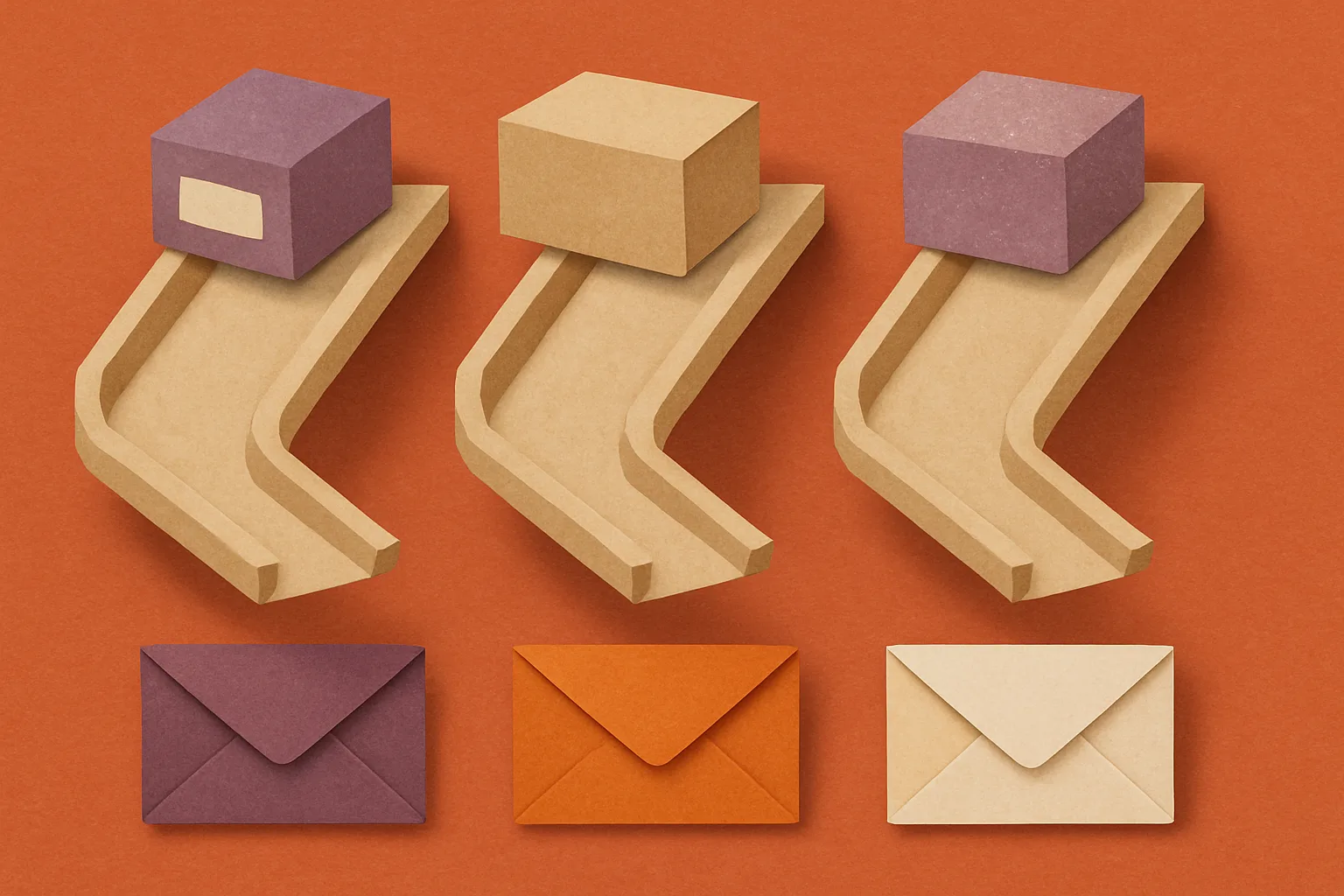
That is the right scale for most small firms. Every useful automation has three parts: a trigger, an action and a measure. A few that suit a small business:
- Welcome sequence. Trigger: someone joins your list or makes a first purchase. Action: two or three emails introducing what you do and what to buy next. Measure: second purchases within a set period.
- Post-purchase follow-up. Trigger: an order is delivered. Action: a care guide, a review request or a complementary product. Measure: reviews collected and repeat orders.
- Win-back message. Trigger: a customer has not bought for longer than your normal buying cycle. Action: one reminder, perhaps with a reason to return. Measure: how many lapsed customers order again.
Resist the urge to build all three at once. Each one needs copy written, a segment defined and results checked, and a small team has limited hours. Get one running, read the numbers, then add the next. Features such as lead scoring and multi-channel journeys make sense only when the basics work and you have enough customers or enquiries to justify them.
The trade-off is plain. A simple workflow will not look impressive in a supplier demo, but it is far more likely to be switched on, maintained and judged against real sales.
Why small firms stall, and how to avoid it
You are unlikely to be alone in considering this. Worldpay data reported by TechRadar Pro found that 49% of UK SMBs name marketing and sales as an area for investment in new technology. But TechRadar Pro’s reporting on the AI confidence gap shows UK small businesses most often cite unclear use cases, cost and lack of skills as the barriers to adopting automation. Each of those has a practical answer.
Unclear use case. Write one sentence before you shop: “When a customer does X, we send Y, so that Z happens.” If you cannot finish it, you are not ready to buy. If you can, you have your brief for suppliers and your test for success.
Cost. The subscription is the smallest part of the bill. Add the hours someone spends building and checking workflows, the time to write the content and any help you pay for during setup. A cheap tool that nobody has time to run is the most expensive option.
Skills. Give the job to one named person with the authority to change how customer data is recorded. That is often the person who already writes your customer emails, not the newest recruit. Give them protected time each week for the first couple of months, and agree what you will stop doing to create it.
How to choose marketing automation programs without overpaying
With your data tidy and one workflow defined, you can compare suppliers on questions that matter to you rather than on feature lists. Put these to every one you consider:
- Does it connect to what we already use? Gemz by Emz got its result by joining the email tool to its accounting records. Check that the platform links to your accounting software, online shop or CRM, and ask whether the link is built in or needs a paid add-on.
- Can you show it working on our data? Ask for a demonstration using a sample of your own customer list, not a polished example. You will see quickly how much manual tidying is needed.
- How does the price change as we grow? Ask for the cost at your current list size and at double it, and what happens if you add users or switch on extra features. Get the answer in writing.
- Can we leave? Confirm you can export all contacts, segments and campaign history if you move. A platform that holds your customer data hostage is a risk to the business.
- Who helps when something breaks? Find out what support is included, in what hours, and whether setup help is offered or charged separately.
Avoid paying annually up front until you have run a real workflow on a trial or a monthly plan. A month of live results tells you more than any sales call.
Then decide what success looks like before you start. Pick one number, such as repeat orders from the customers in your welcome sequence, and check it at a fixed date. If it has moved, extend the automation to the next workflow. If it has not, find out whether the fault is the message, the data or the tool, and fix that before spending more.
The firms that get value from this do not buy the biggest system. They connect the customer records they already have, automate one routine message that is currently sent by hand or not at all, and measure it honestly. Do that first, and the choice of platform becomes far easier.
Common questions
How much do marketing automation programs cost for a small business?
Costs vary widely by supplier and usually rise as your contact list or feature needs grow. Budget for the subscription, plus staff time to build workflows and write the emails. Ask for pricing at your current list size and at double it, and test on a monthly plan before committing to an annual one.
Do I need a CRM before I buy marketing automation?
Not necessarily, but you do need customer records in one reliable place. That could be a CRM, your accounting software or a clean spreadsheet. What matters is that the automation tool can connect to it and use purchase history to decide who receives which message.
What should a small business automate first?
Start with the routine message you currently send by hand or forget to send. For most firms that is a welcome email sequence for new customers, a follow-up after purchase, or a reminder to customers who have not bought for a while. Pick one, measure it, then add the next.
Do this next
- Export your customer list with purchase history and note duplicates, gaps and anyone you lack permission to email.
- Write one sentence in the form: when a customer does X, we send Y, so that Z happens.
- Name one person to own the project and block out weekly time for them.
- Ask two or three suppliers for a demo using a sample of your own data and pricing at double your current list size.
- Run one workflow on a monthly plan and review a single agreed number after a fixed date.
Sources
- GOV.UK: Longitudinal Small Business Survey 2024, SME employers (businesses with 1 to 249 employees)
- OECD: SME technology adoption in the United Kingdom
- HM Government SME Digital Adoption Taskforce: interim report, including the Gemz by Emz case study
- TechRadar Pro: UK firms are investing heavily in new tech (citing Worldpay data)
- TechRadar Pro: AI confidence gap is stalling UK small businesses
Related reading
How Luminary Solutions approaches this
At Luminary Solutions, we build marketing systems that connect lead capture, CRM and follow-up, so enquiries turn into revenue without manual chasing. If your pipeline leaks, let’s talk.
Luminary Media explores AI, systems and strategy shaping modern businesses. Written for founders, operators and decision-makers.