How to choose HR software for a small business in the UK
Human resource software for small business runs from free to about £10 per employee a month. Learn how to match a product to your headcount and budget.
Digital Strategy · 6 October 2026 · 6 min read
Key takeaways
- Government data shows 14% of firms with fewer than 10 employees use HR software, against 44% of those with 10 to 49, so the need tends to arrive as your team grows.
- Pricing comes in three forms: free (1st Money, for firms under 10 staff), per employee (Employment Hero at £4, £7 or about £10 a month), and quote-only (UKG Ready, Cintra People).
- At 20 employees, Employment Hero’s three tiers would cost £80, £140 or about £200 a month, so price the software at the headcount you expect next year.
- Test any shortlisted system on two real tasks, approving a holiday and onboarding a new starter, before signing a contract.
If your people records live in a spreadsheet, a shared inbox and your own memory, every new hire adds a little more risk. Holiday clashes, missing contracts and unsigned starter paperwork are the usual casualties. Human resource software puts leave, employee records, onboarding and, in some products, payroll into one system. Choosing one is harder than it looks. Prices run from nothing to a few hundred pounds a month, and some vendors will not state a price until you have spoken to a salesperson.
Why firms adopt HR software as they pass ten staff
Adoption rises steeply with headcount. The government’s 2024 Longitudinal Small Business Survey found that 44% of small businesses with 10 to 49 employees used HR management software, against 14% of micro-businesses with fewer than 10. Among medium-sized businesses the figure was 62%.
That pattern matches what most owners experience. With five people, you know who is off next week and where everyone’s contract is. At fifteen, you no longer do. Someone has to chase holiday requests, keep sickness records and make sure new starters have signed everything. If that someone is you, the software is really buying back your time.
So the question is not whether HR software is fashionable. It is whether your current setup has started to cost you something: an hour a week of admin, a leave dispute, a document you could not find when you needed it. If it has not, a micro-business can reasonably wait. If it has, wait no longer, because migrating records gets harder as the headcount grows.
What HR software costs a small business
Pricing falls into three models, and each suits a different kind of firm.
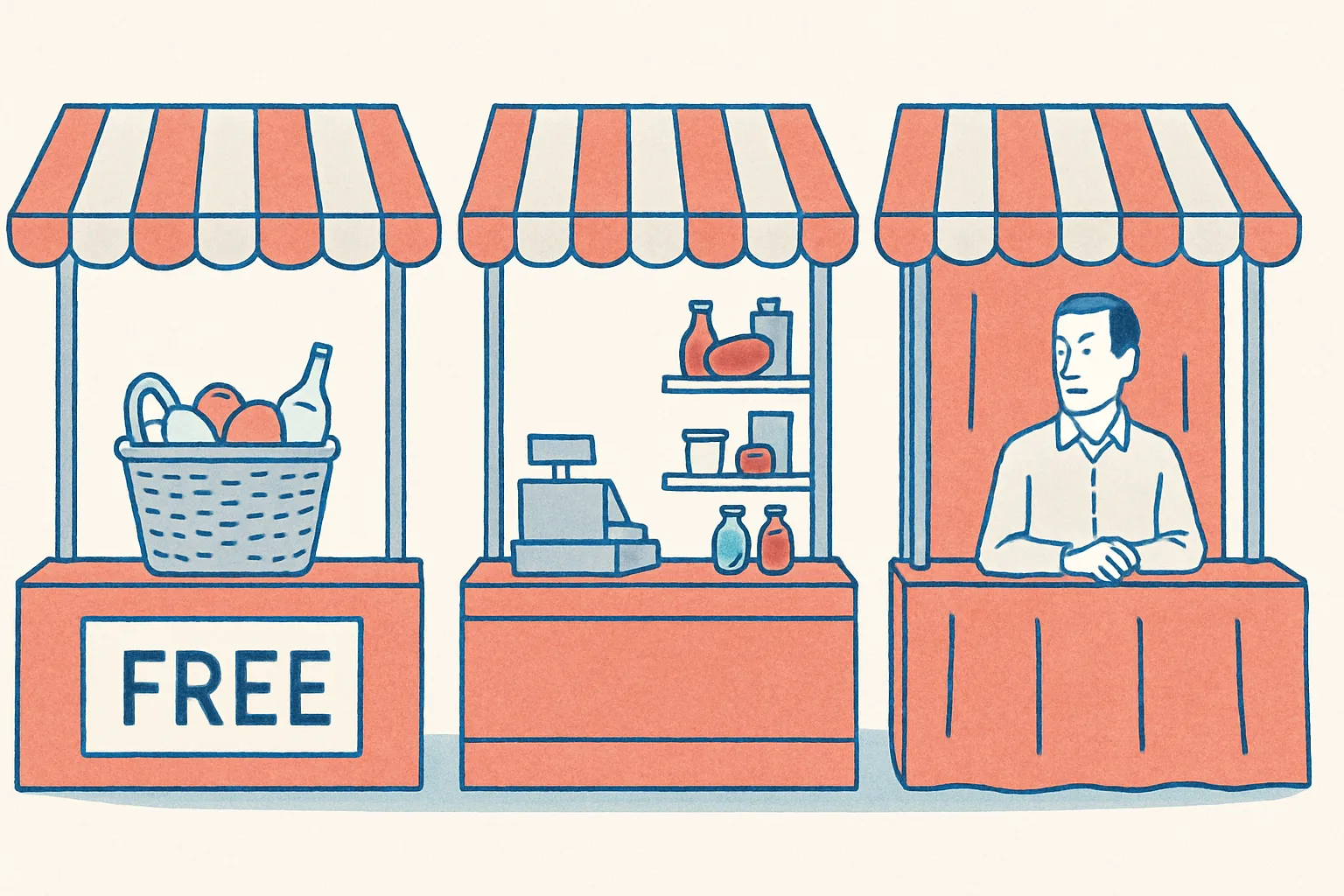
Free. TechRadar’s review of 1st Money describes a free UK-based payroll and HR platform aimed at businesses with fewer than ten employees, with HMRC-recognised compliance. For a very small team that is hard to beat on price. The trade-off is fit. Check exactly what the free plan covers today, and what happens to your setup when you pass ten staff, because the product is built for firms below that size.
Per employee. TechRadar’s review of Employment Hero lists three tiers: Standard at £4 per employee per month, HR Premium at £7, and HR Platinum at around £10. For a team of 20, that is £80, £140 or about £200 a month. The attraction is that the bill tracks your headcount. The risk is that it keeps climbing as you hire, and the jump between tiers can matter more than the headline rate. Work out the cost at the headcount you expect in a year, not just today.
Quote only. Some vendors do not publish prices. TechRadar’s review of UKG Ready notes that pricing is not public and a quote is required, and its review of Cintra People says the same. You will need a sales call, and you should treat the first quote as a starting point. Ask for the price at your current headcount and at 25% more, and find out what the contract term is.
Matching the product to your stage
The right product depends less on feature lists than on where your business is now and what it is likely to need in eighteen months.
Under ten employees. Your needs are simple: leave, records, payroll that complies with HMRC rules. A free platform such as 1st Money covers that ground. Do not pay for features you will not use.
Ten to fifty employees. This is where you start needing proper onboarding, absence tracking and some reporting. TechRadar’s roundup of payroll software describes PeopleHR as a UK-developed system for small and mid-sized businesses, with modular HR and payroll tools, onboarding, mobile access with biometric security, and AI and automation features. The modular approach suits firms that want to start with core records and add payroll later. Employment Hero’s tiers work in a similar way, with more included as you move up.
More complex operations. If you run shifts or several sites, look at the heavier systems. UKG Ready comes in three tiers, Essentials, Plus and Premium, and covers onboarding, time off, scheduling and payroll, along with AI-based insights through UKG Bryte. Cintra People, a Newcastle-based provider, offers an all-in-one HR and payroll platform with automation and employee engagement features. These take more effort to set up and cost more, but they suit businesses where rotas and absence cover are the daily headache.
On the AI features: treat them as something to test, not a reason to buy. Ask the vendor to show you one concrete task, such as drafting an onboarding checklist or flagging an absence pattern, and judge whether you would use it weekly. If you would not, do not pay for the tier that includes it.
Questions to ask before you sign
Most disappointment with HR software comes from what nobody asked during the sales process. Put these questions to every vendor on your shortlist.
- Does it run payroll, or connect to the payroll you already use? Re-keying hours and absences between two systems is exactly the admin you are trying to remove.
- What will I pay at 25% more staff? Pricing that looks cheap at twelve employees can look different at twenty.
- Can my staff use it on their phones? If employees cannot request leave or view payslips from a mobile, they will keep emailing you.
- Who sets it up, and how long does it take? Importing contracts, leave balances and employee details is usually the biggest job. Ask whether the vendor does it or you do.
- Can I export all my data if I leave? You should be able to take your records with you without paying for the privilege.
- What is the contract length and notice period? A twelve-month lock-in on a system you have not tested properly is a bad bet.
Then test it on real work before you commit. Ask for a trial, or a guided demo using your own data, and run two tasks: book and approve a holiday, and onboard a fictional new starter from offer to first day. If either feels clumsy with a trial account and a vendor helping, it will feel worse on a busy Monday.
Finally, decide who owns the system. Software does not fix HR admin by itself. Someone needs to keep records up to date, set leave rules and check that managers are using it. In a small firm that is often the owner or an office manager, and the system should be chosen with that person’s time in mind. A simple tool that gets used every week will always beat a powerful one that nobody opens after the first month.
Common questions
How much does HR software cost for a small business in the UK?
It ranges from free to around £10 per employee per month. 1st Money offers a free platform for businesses with fewer than 10 employees, and Employment Hero charges £4, £7 or about £10 per employee per month depending on tier. Others, such as UKG Ready and Cintra People, only give prices on request.
Do I need HR software if I only have a few employees?
Not necessarily. Government data shows only 14% of businesses with fewer than 10 employees use HR management software. A spreadsheet can work for a very small team. Consider software when HR admin takes real time, when records go missing, or when you are about to hire several people.
Can HR software also run my payroll?
Some can. 1st Money, PeopleHR, UKG Ready and Cintra People all combine HR and payroll in one platform. Check whether payroll is included in the tier you are quoted for or sold as an add-on, and whether it meets HMRC requirements before you commit.
Do this next
- List the HR tasks that cost you time each month, such as holiday requests, contracts and sickness records, and estimate the hours.
- Shortlist two or three products that match your headcount and ask each for the price at your current staff numbers and at 25% more.
- Check whether each product runs payroll itself or connects to the payroll you already use.
- Book a trial or demo and run two real tasks: approve a holiday and onboard a new starter.
- Ask every vendor about contract length, notice period and how you export your data if you leave.
Sources
- Gov.uk: Longitudinal Small Business Survey 2024, SME employers (businesses with 1 to 249 employees)
- TechRadar: Employment Hero review
- TechRadar: 1st Money review
- TechRadar: Best payroll software
- TechRadar: UKG Ready review
- TechRadar: Cintra People review
How Luminary Solutions approaches this
At Luminary Solutions, we plan and build websites and tech stacks grounded in operational reality, not trends. If you’re choosing tools or rebuilding your site, let’s talk strategy first.
Luminary Media explores AI, systems and strategy shaping modern businesses. Written for founders, operators and decision-makers.